
Results shows what your posts produced: who saw them, who reacted, and which companies of your target are behind them.
Step by step
Open Results
Click Results in the left menu. Filter by campaign at the top.
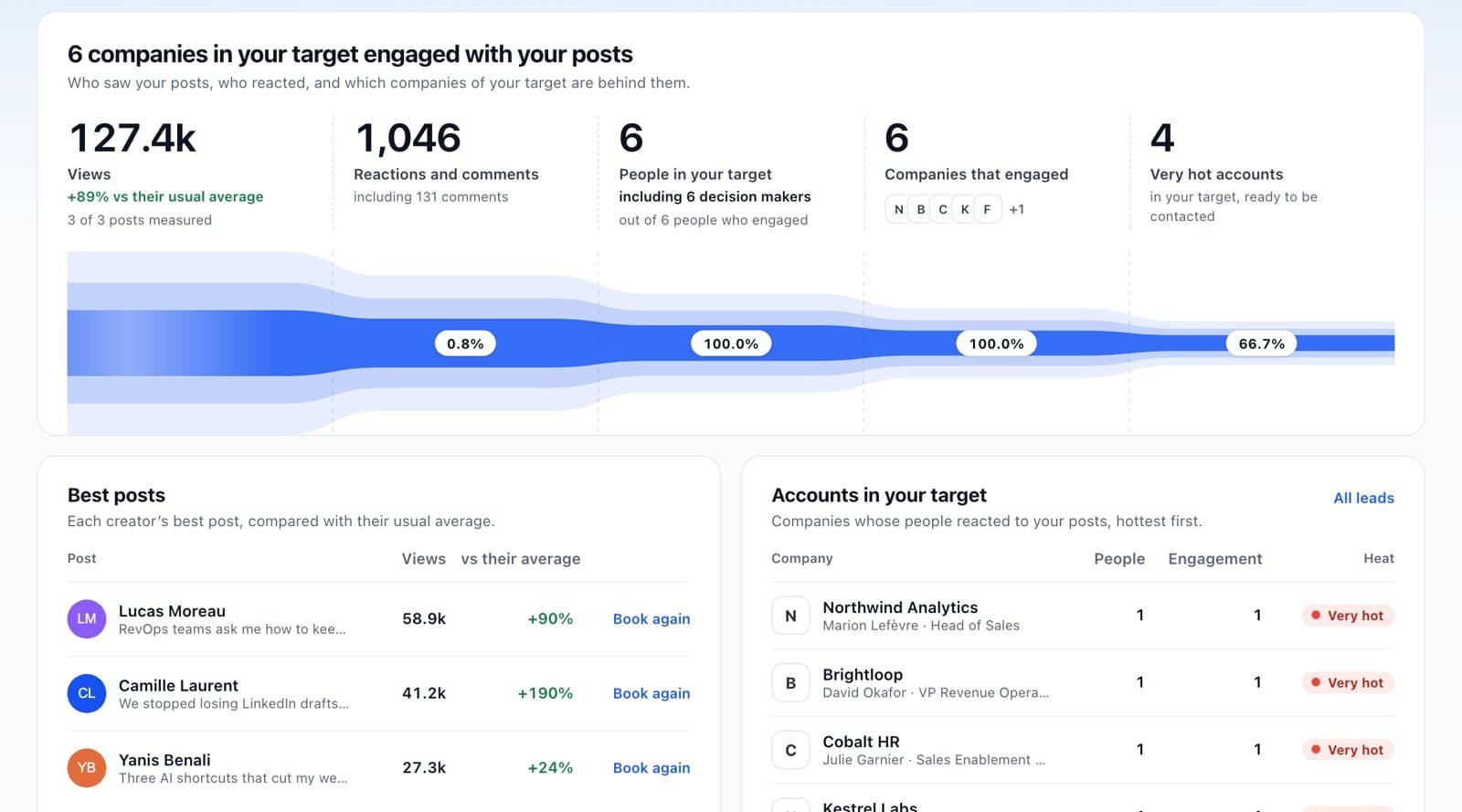
Overview: views, reactions, people and companies of your target, best posts. Read the headline numbers
Views compares your posts with each creator's usual average. Reactions and comments, People in your target, Companies that engaged and Very hot accounts follow.
Go deeper
Leads lists who engaged. Posts lists each post with its numbers.
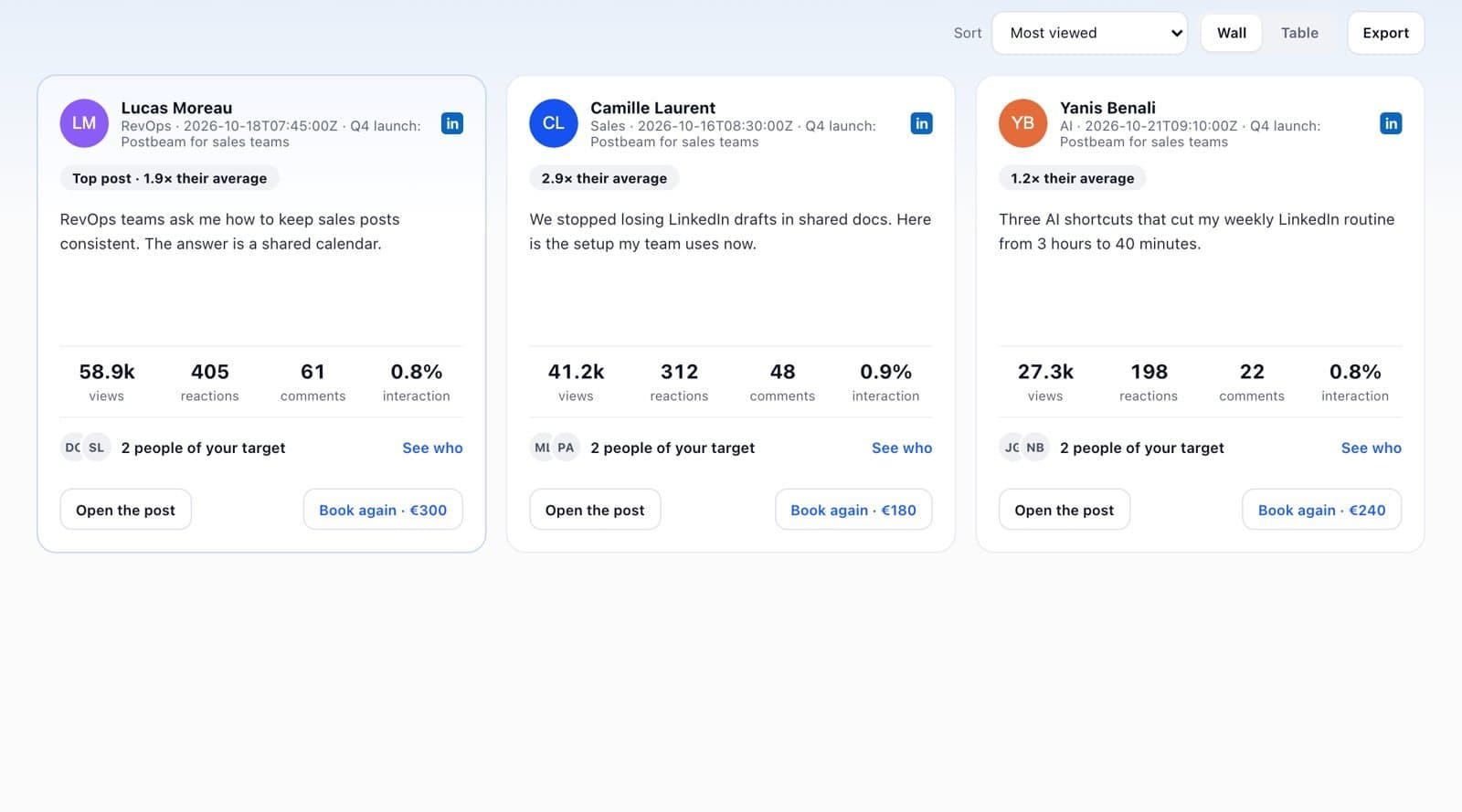
Posts: each post compared with the creator's usual average, with a Book again button.
FAQ
Why is my Results page empty?
Results appear with the first published post.
What does “+90% vs their average” mean?
The post got 90% more views than the creator's usual posts.