
The profile tells you who follows a creator, what they post about and what a booking costs.
Step by step
Open a profile
Click a creator card or its Profile button.
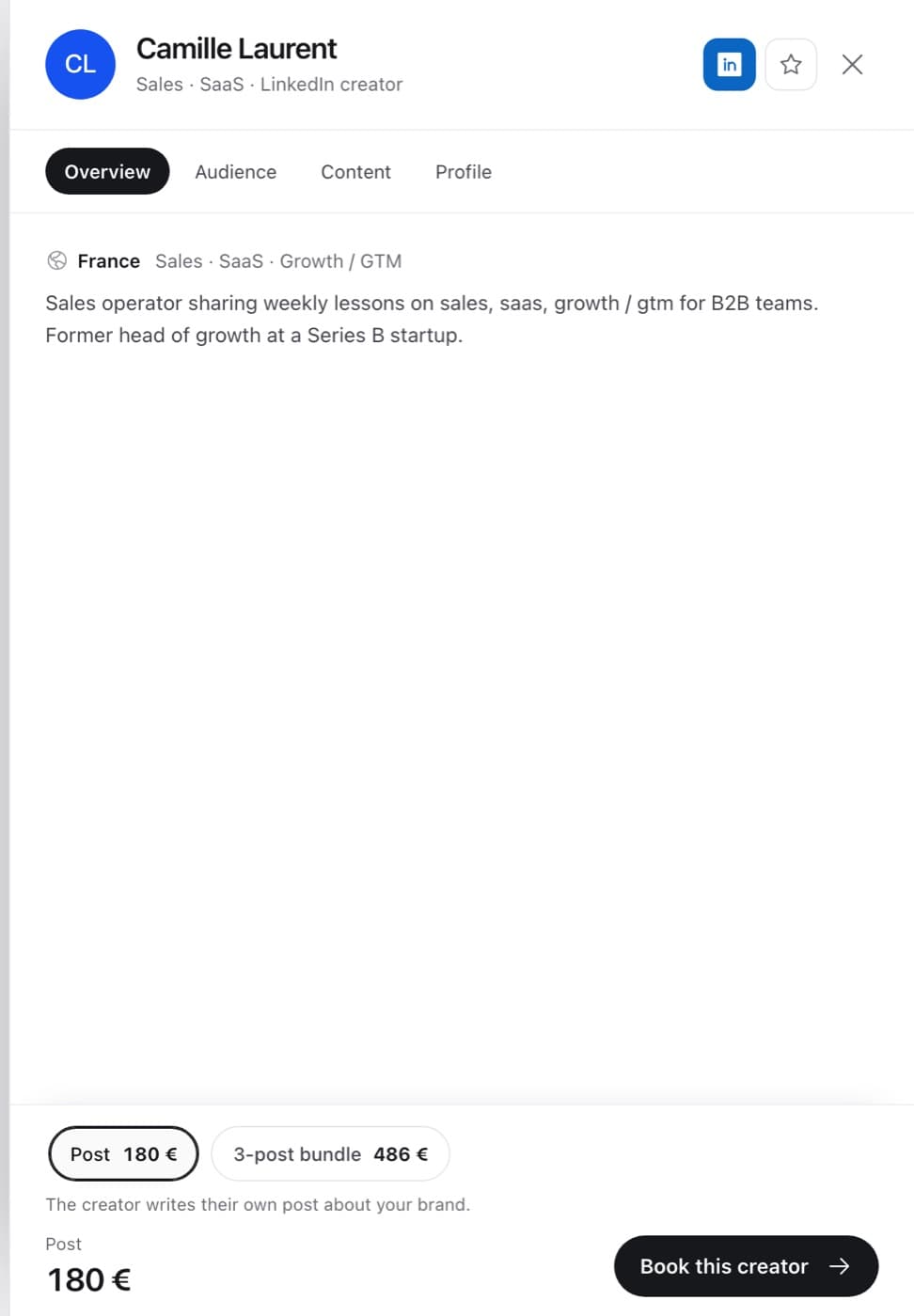
Go through the tabs
Overview sums up the creator. Audience shows who follows them. Content shows what they discuss and how consistently their audience responds. Profile covers their role and expertise.
Check the price in context
Price in context compares the price with the creator's measured typical reach, so you can compare creators fairly.
Pick an offer
Offers sit at the bottom: a single post, sometimes a bundle. Then click Book this creator.
FAQ
Where do the numbers come from?
From the creator's recent public posts, refreshed regularly.
Can I see the creator's LinkedIn?
Yes, use the LinkedIn button at the top of the profile.