
A campaign groups your creators, their posts and the brief they receive. Creating one takes a few minutes.
Step by step
Start a campaign
Click Create a campaign in Campaigns, or New campaign on your Overview.
Answer one question per screen
The form moves through Campaign, Audience, Brief, Budget, Conditions and Review. First question: the goal, such as Get known, Launch something new, Start conversations or Build credibility.
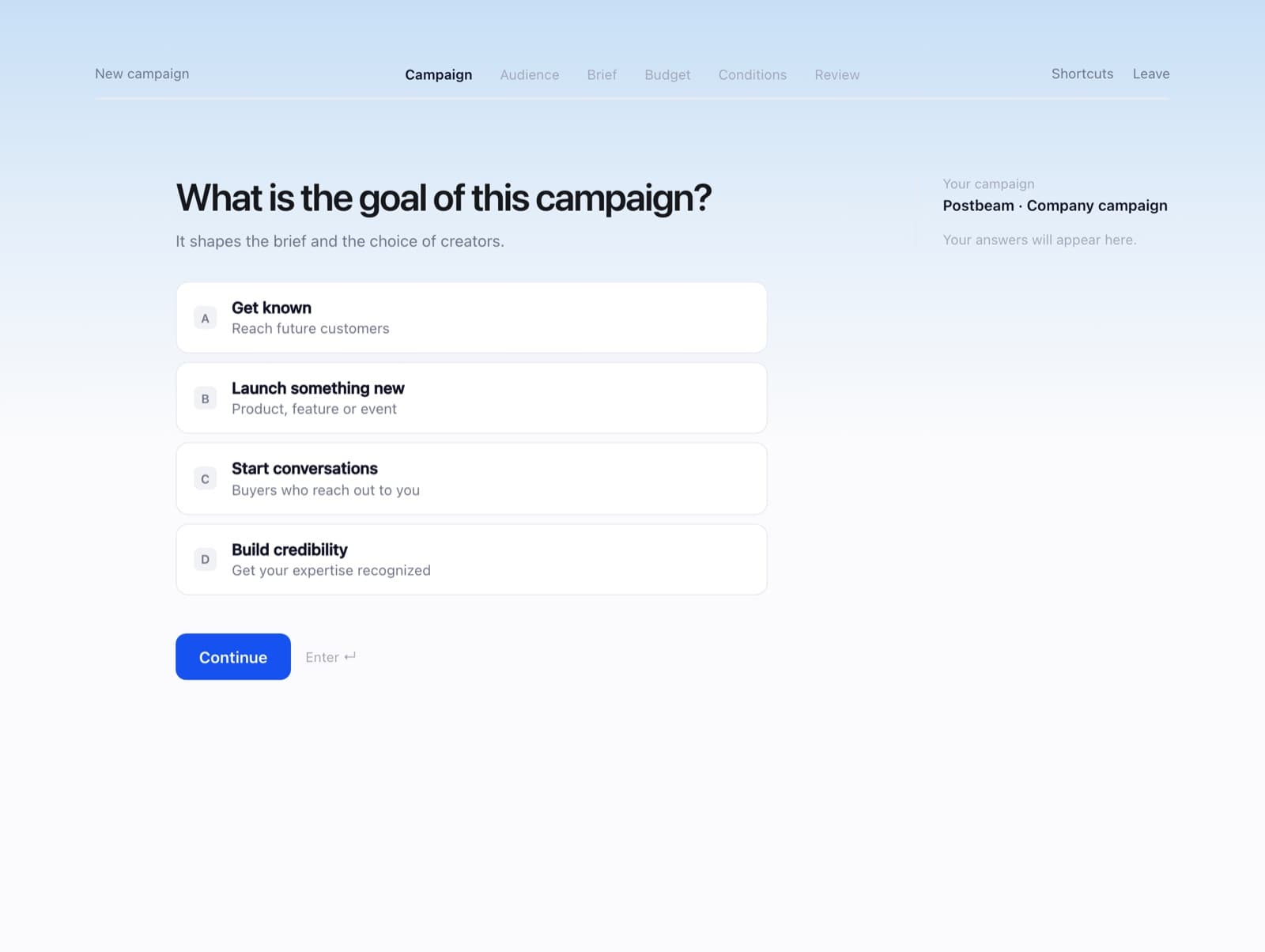
Your answers appear on the right as you go. Review and launch
Check the summary, then publish. You can now invite creators to this campaign, and creators can apply.
FAQ
Do I need a brief before booking?
Yes. Every booking is attached to a campaign with a brief.
Can I use a brief I already wrote?
Yes, you can link a Notion or Google Docs brief. See Write a brief creators can use.