
Each week, Naano picks up to eight creators whose audience fits yours. They appear first in Creators and on your Overview.
Step by step
Add your target audience
The shortlist needs it. Fill in Settings > Audience. See Set up your company profile.
Open Creators
The picks lead the Recommended for you row, ranked for your brand.
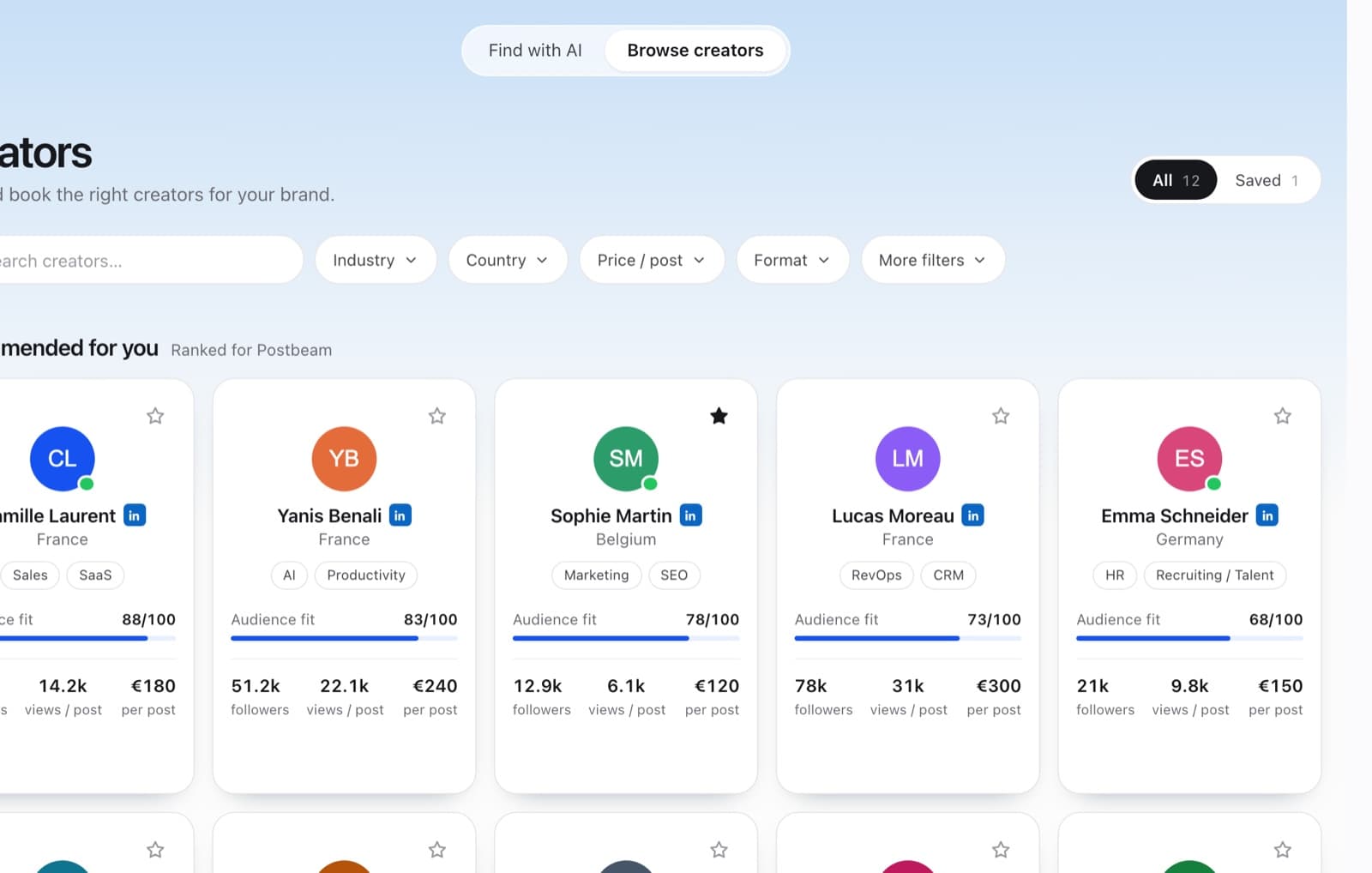
The shortlist leads the list and changes every week. Save or book
Star a creator to keep them in Saved, or book them like any other creator.
FAQ
Why don't I see a shortlist?
Your target audience is probably empty. Add your industries, regions and buyer roles in Settings > Audience.
Does it change?
Yes, a new selection is made every week.