
Your profile tells creators who you are. Your audience tells Naano who you sell to, so it can rank creators by how well their followers match your buyers.
Step by step
Open Settings
Open Settings from the account menu at the bottom of the left menu. It has two tabs: Profile and Audience.
Complete your profile
Check Company name, Website and Tagline, add your logo with Change logo, then pick your industry and company size. Re-scan website imports your product details from your site: review what it found.
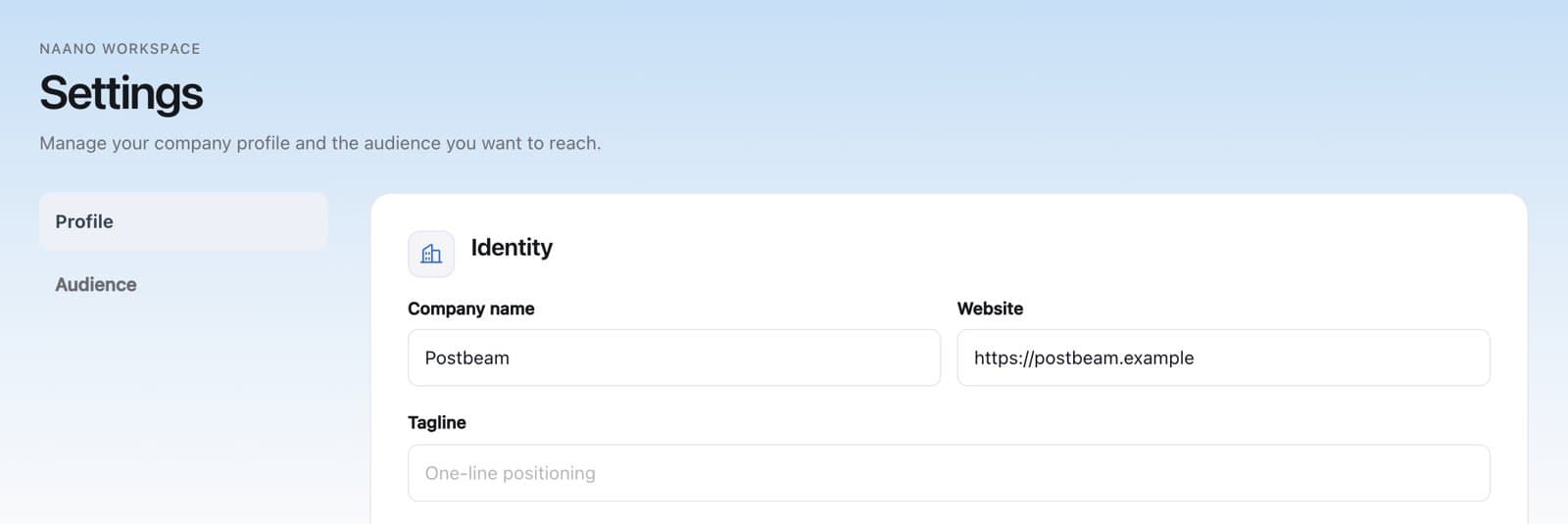
Profile: company name, website and tagline. Define your audience
In Audience, add your target industries and target regions, then open Review and edit your audience to add the roles, seniority and company sizes you sell to.
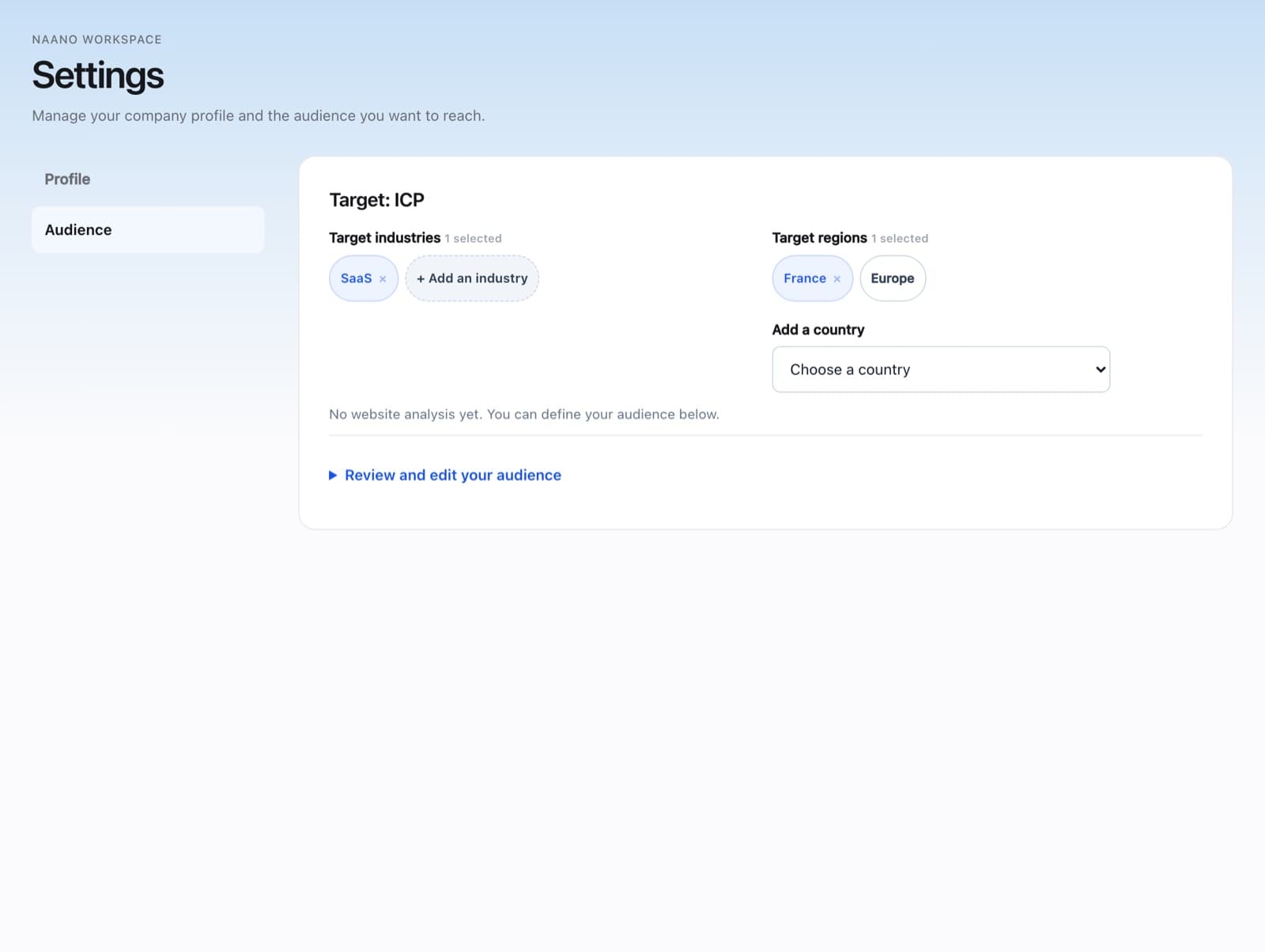
Audience: the buyers you want creators to reach.
Why it matters: the weekly creator shortlist needs a target audience, and Results uses it to mark the people and companies that are in your target.
FAQ
Can I change my audience later?
Yes, at any time in Settings > Audience. Recommendations follow your changes.
Why does Naano scan my website?
To pre-fill your profile and product details. Always review what it imported before you book.