
Your VAT number and billing address are entered at the Stripe checkout, when you top up.
Step by step
Start a top-up
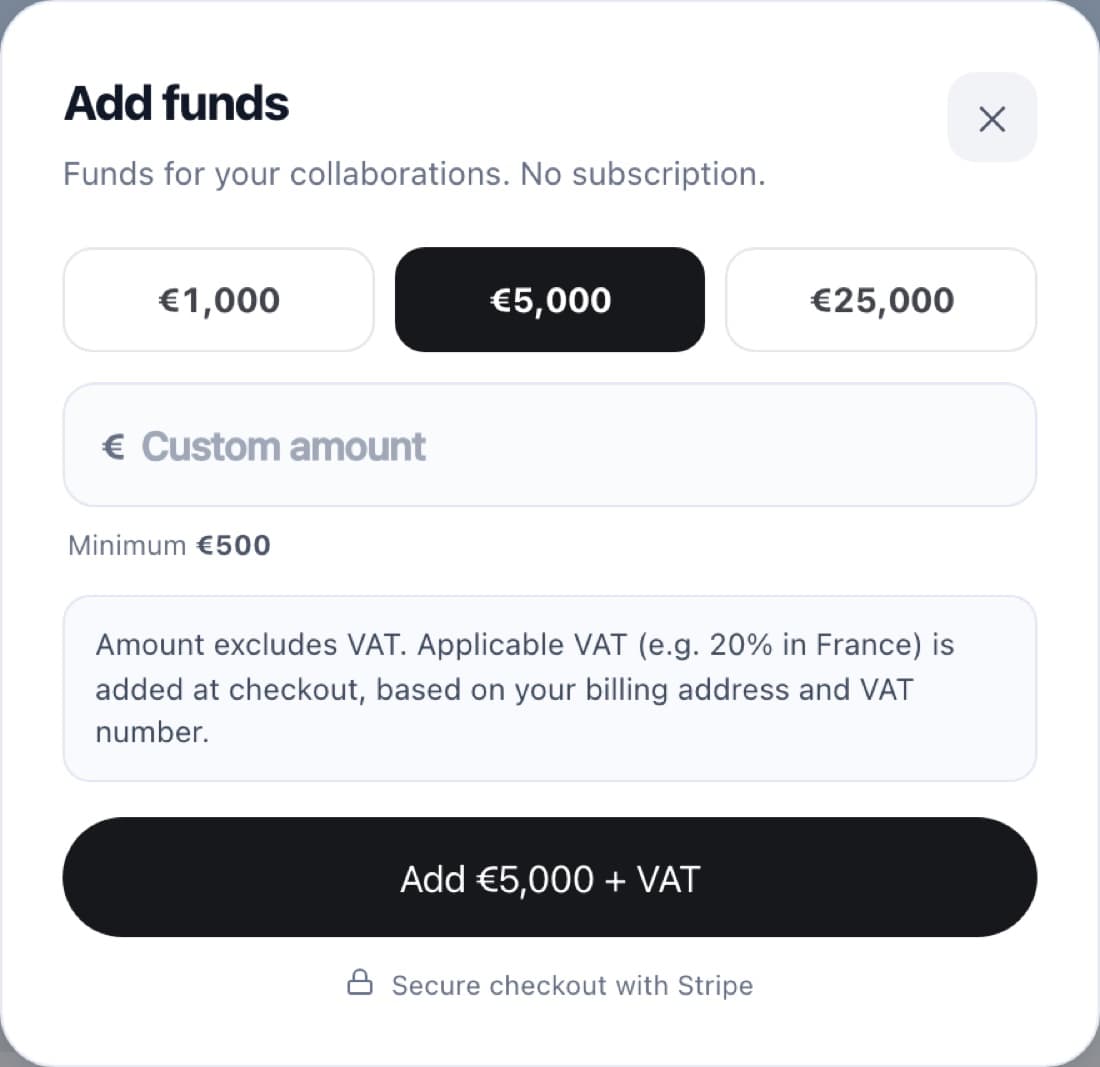
In Billing, click Add funds.
Enter them at checkout
Amounts exclude VAT. Applicable VAT (for example 20% in France) is added at checkout, based on your billing address and VAT number.
FAQ
Is there a VAT field in Settings?
No, Stripe collects it at checkout.