
When you invite a creator, you choose how to pay: from your Naano balance, or by card for the exact amount.
Step by step
Reach the payment step
Book a creator or make an offer. The window ends with How do you want to pay?
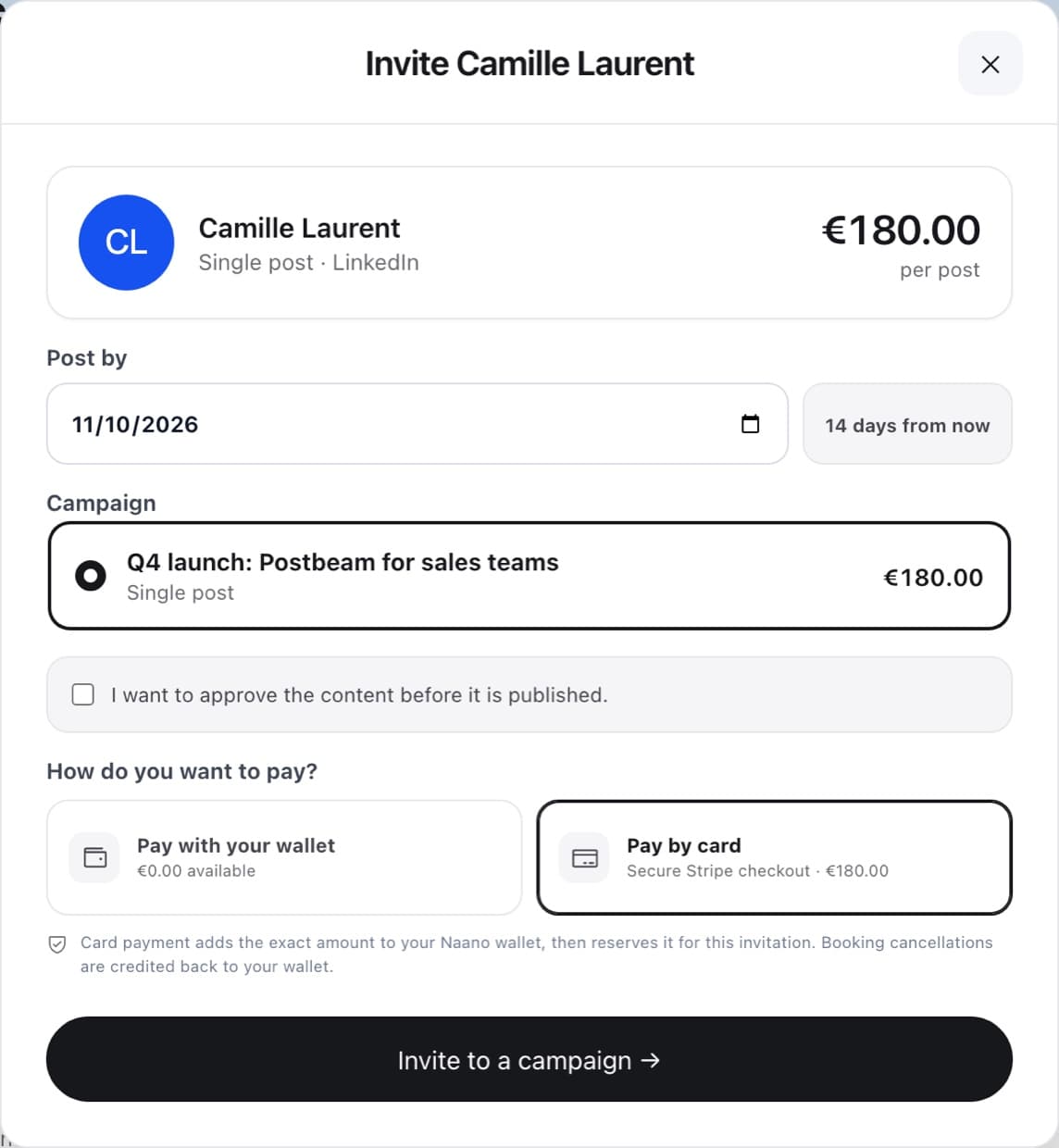
Pay with your wallet
Uses your available balance. Nothing is held while the invitation waits: the amount is held when the creator accepts, and if your balance no longer covers it then, you're asked to top up.
Or pay by card
Opens Stripe's secure checkout for the exact amount. The payment is added to your Naano balance and reserved for that invitation in the same step.
Good to know: if the booking is declined, expires or is cancelled, the money goes back to your Naano balance, ready for your next booking. It is not refunded to the card.
FAQ
Is my card stored by Naano?
Card details are entered only on Stripe's secure checkout.
Can I pay a group of creators by card?
Yes. When you invite several creators at once, choose Pay … by card: the total is added to your Naano balance and each creator's share is reserved for their invitation.