
Your balance pays for your bookings. Top-ups have no subscription attached.
Step by step
Open Billing
Click Billing, or Top up next to your balance at the bottom of the left menu.
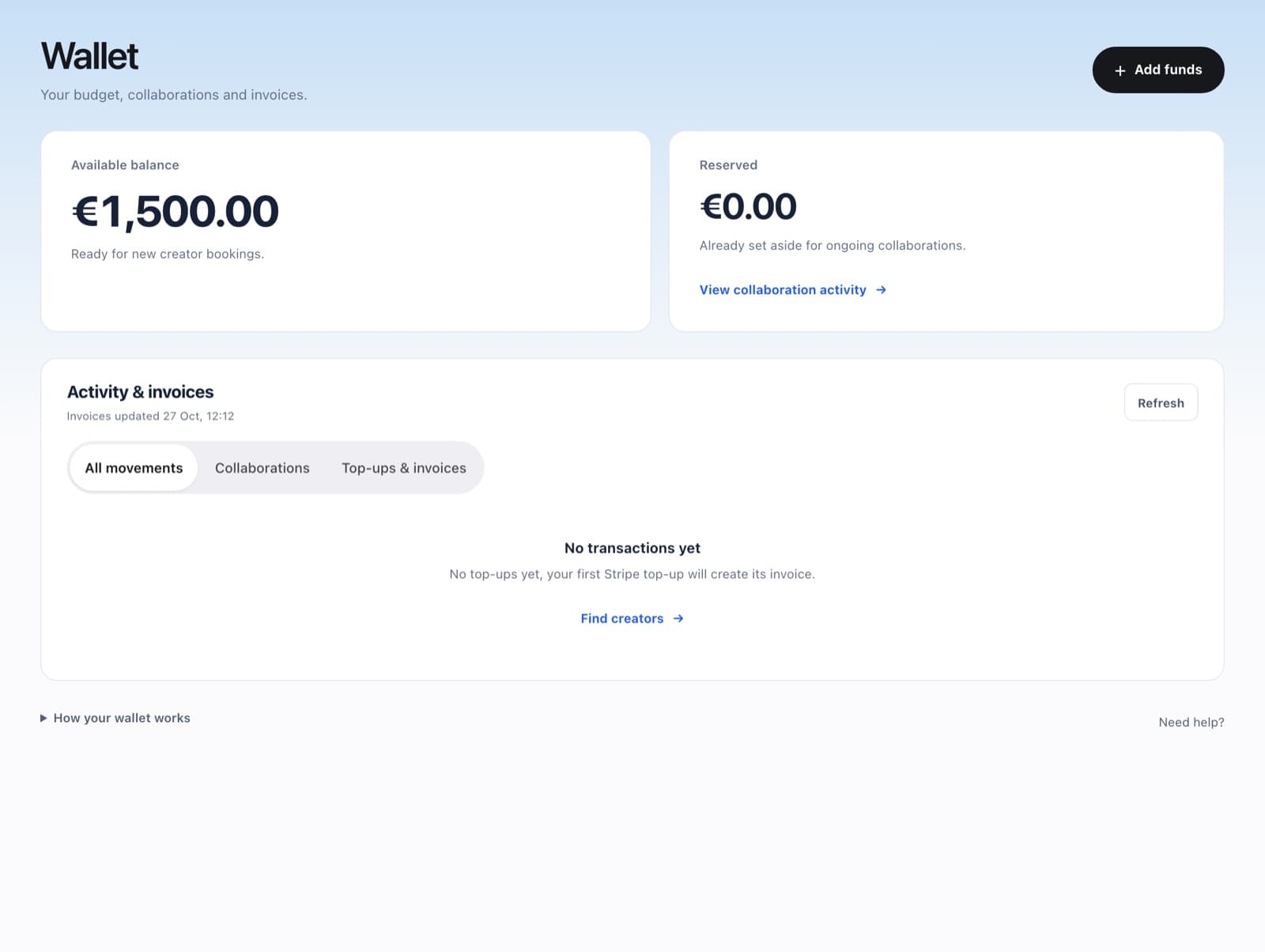
Choose an amount
Click Add funds and pick €1,000, €5,000 or €25,000, or type your own amount. The minimum is €500.
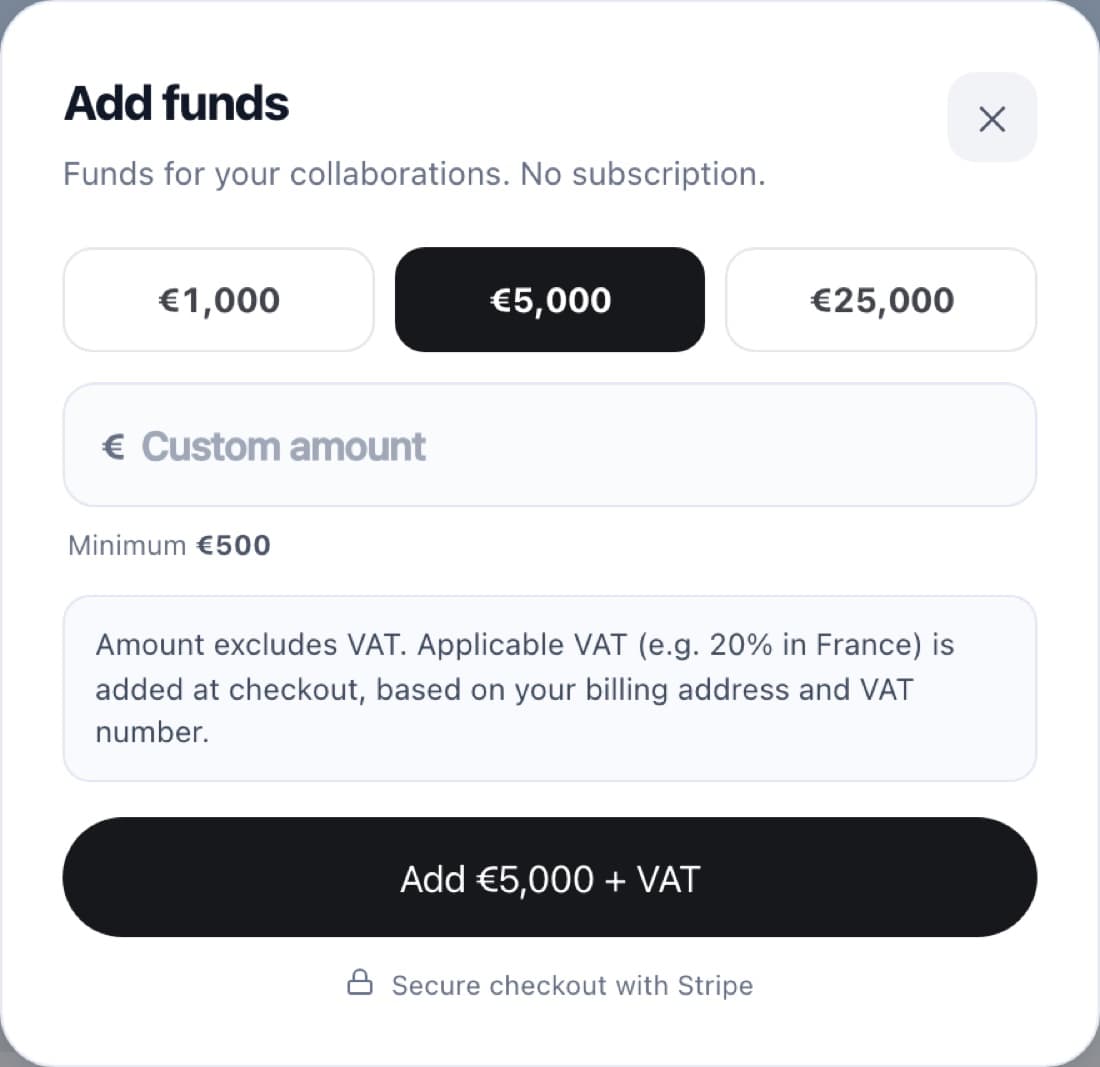
Pay with Stripe
Amounts exclude VAT. Applicable VAT is added at checkout, based on your billing address and VAT number.
FAQ
Do I get an invoice?
Yes. Each top-up creates an invoice in Billing > Top-ups & invoices.
Does a top-up book a creator?
No. It adds credit; you still choose who to book.