
Tell your team about the leads you pick, or send them to any tool.
Step by step
Pick a destination
In Integrations: Slack or Microsoft Teams post the leads you send to a channel, with their comment. Zapier, Make or a Webhook send each lead to the tool of your choice.
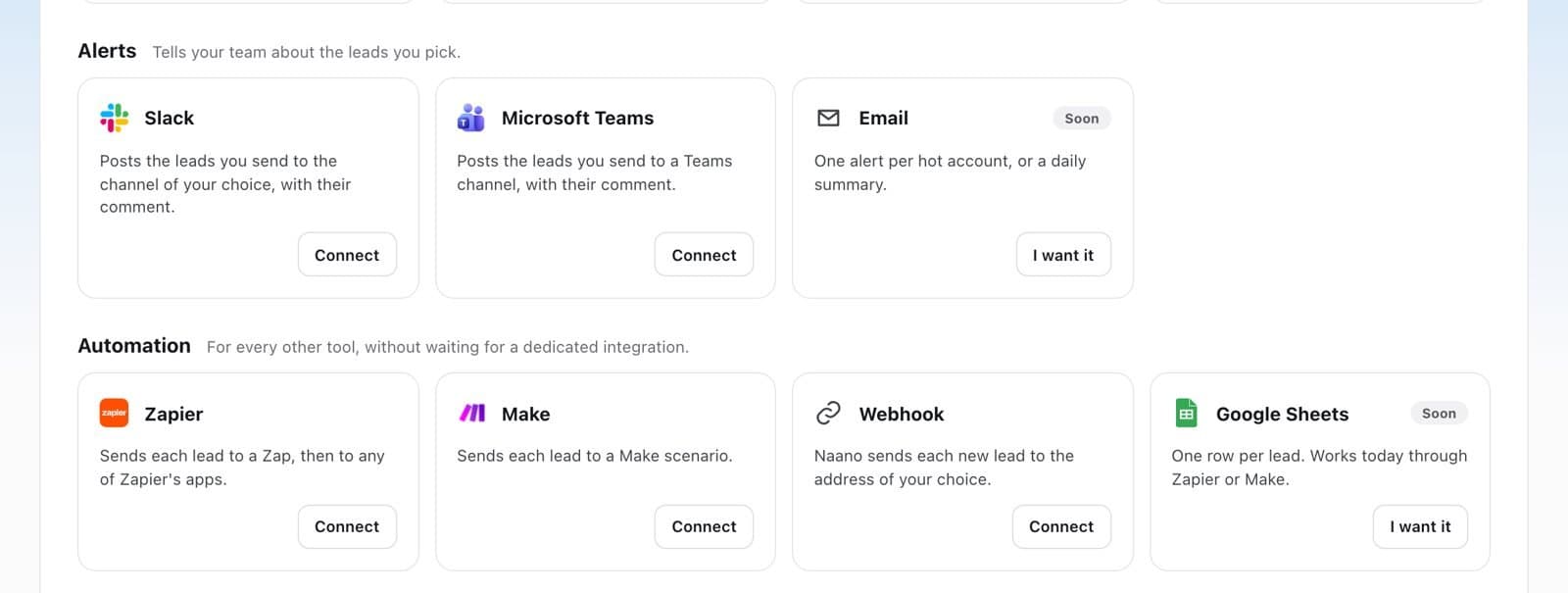
Connect it
Click Connect. For Zapier, Make, Teams or a webhook, paste the address your tool gives you: Naano sends a test before saving it.
Send leads
In Results > Leads, use Send to… and pick the destination.
FAQ
Is Google Sheets supported?
Not directly yet. It works today through Zapier or Make.