
Ask your AI assistant which creators to book or which accounts to follow up. Naano connects through MCP with your own sign-in.
Step by step
Copy the address
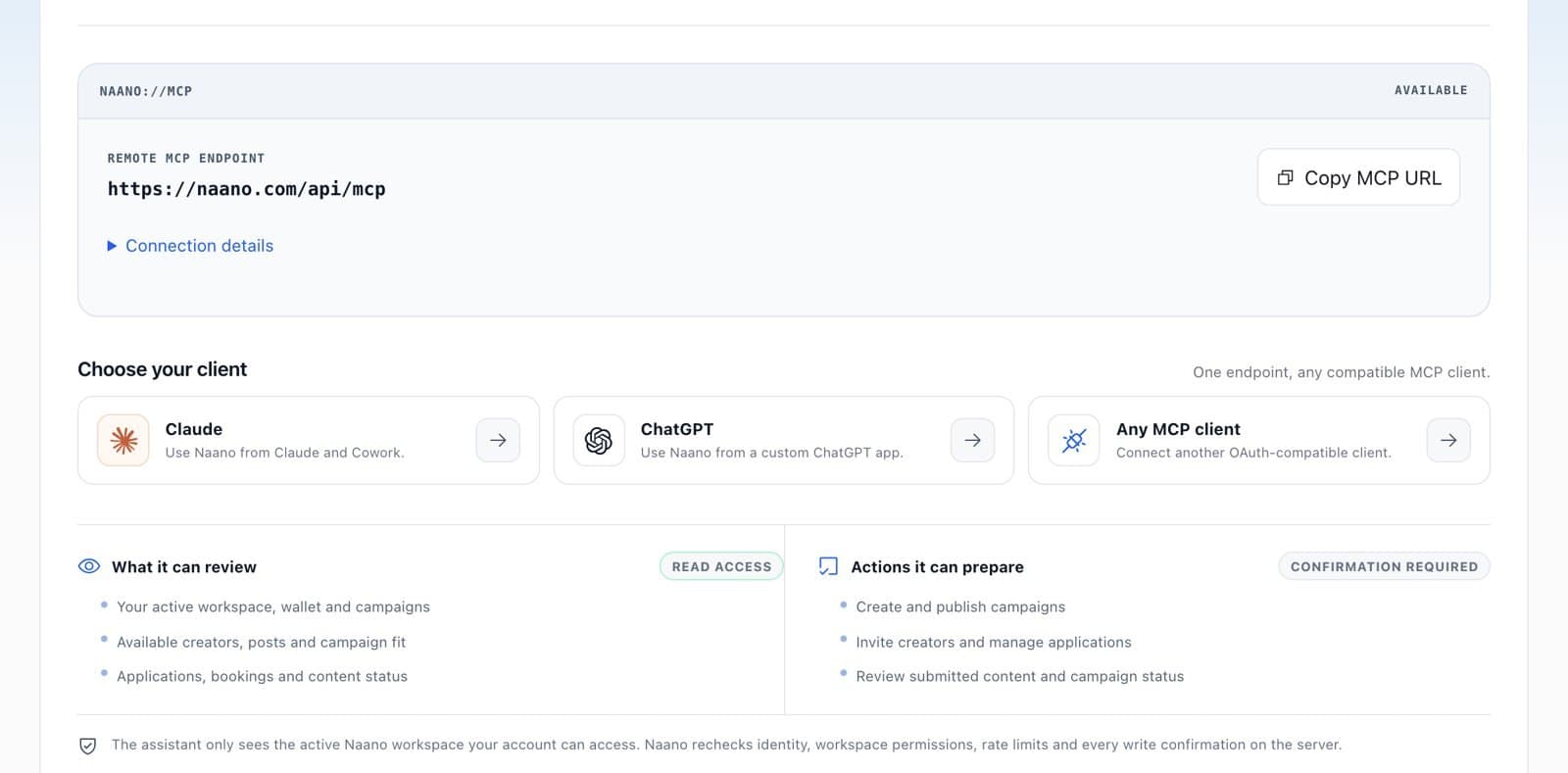
In Integrations, find Claude and ChatGPT. Copy the endpoint https://naano.com/api/mcp with Copy MCP URL.
Add it to your assistant
Choose Claude, ChatGPT or Any MCP client and follow View setup. You sign in with your Naano account.
Ask away
The assistant can read your workspace, balance, campaigns, creators and bookings. It can prepare campaigns, invitations and reviews, and every action needs your confirmation.
FAQ
What can the assistant see?
Only the active Naano workspace your account can access. Naano rechecks identity, permissions and every confirmation on the server.