
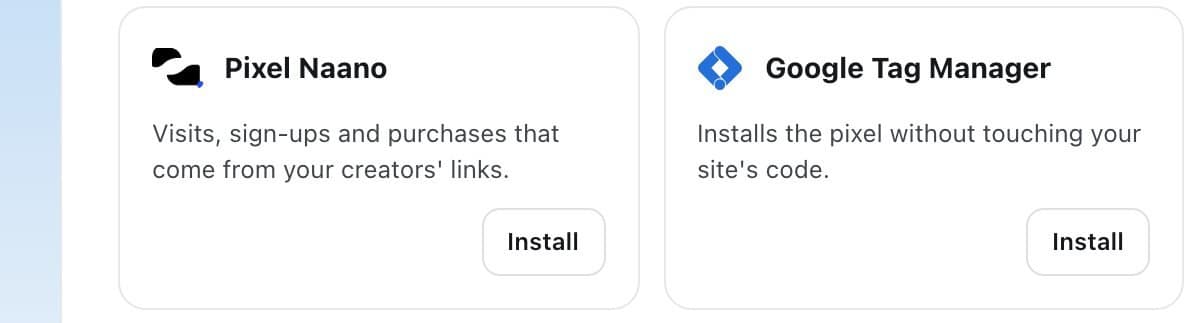
Google Tag Manager installs the pixel without touching your site's code.
Step by step
Copy the snippet
In Integrations > Pixel Naano, open Installation instructions and copy the snippet.
Create a tag in Google Tag Manager
Add a Custom HTML tag with the snippet, set it to fire on All Pages, then publish your container.
Check the status
Back in Naano, the pixel shows Pixel active once an event arrives.
FAQ
How long does it take?
About two minutes.