
Send the people who engage with your posts to HubSpot as contacts, with the post and their comment as a note.
Step by step
Connect
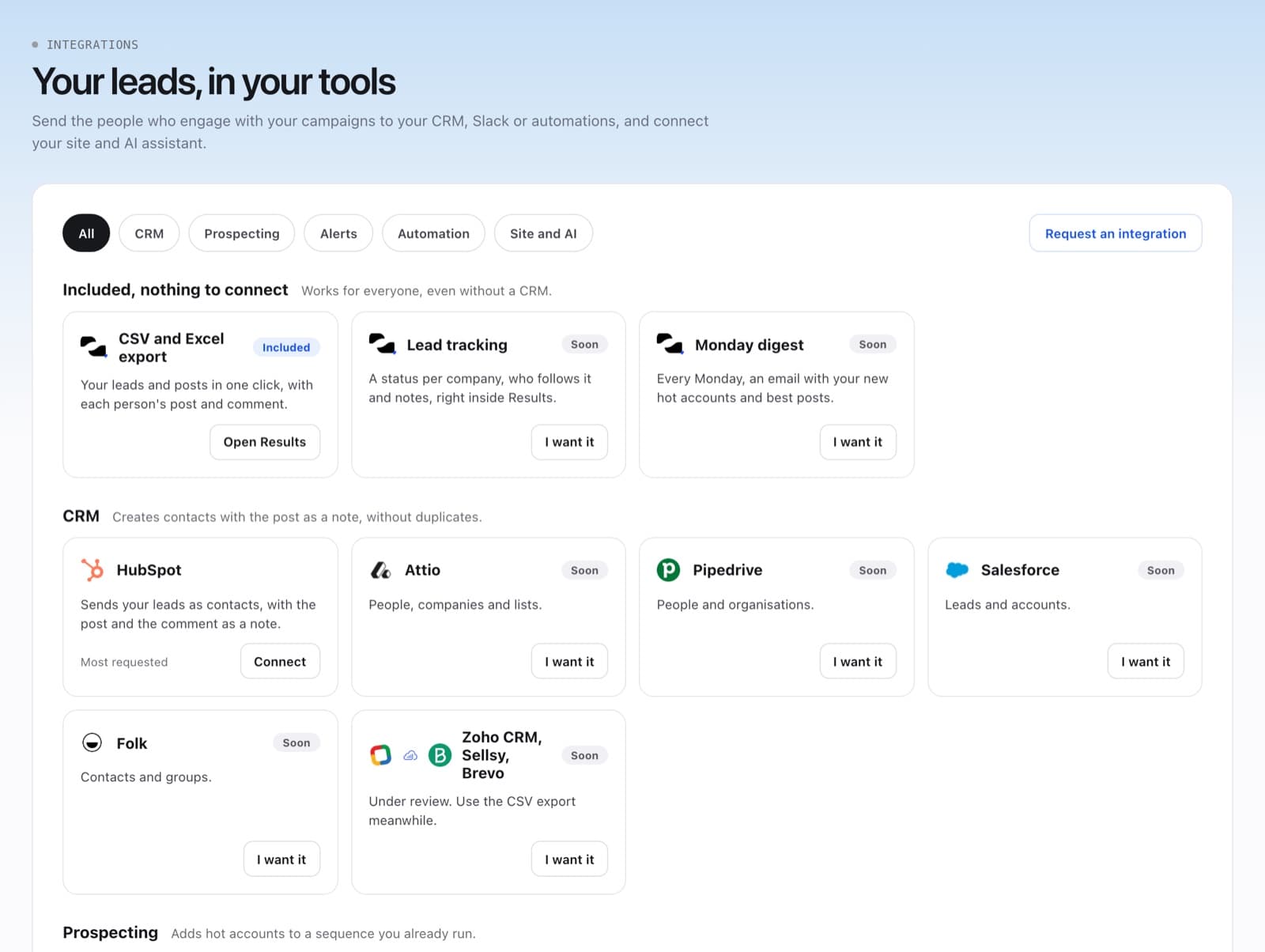
Go to Integrations, find HubSpot and click Connect. Sign in to HubSpot and approve the access.
Send leads
In Results > Leads, choose the leads and send them to HubSpot. Contacts already sent show In HubSpot.
Disconnect if needed
Contacts already sent stay in HubSpot.
FAQ
Will it create duplicates?
No. Naano looks for the existing contact before creating one.
“Reconnect needed”: what should I do?
Click Connect again to renew the access.