
Leads lists the people who reacted to or commented on your posts, and the companies behind them.
Step by step
Open Leads
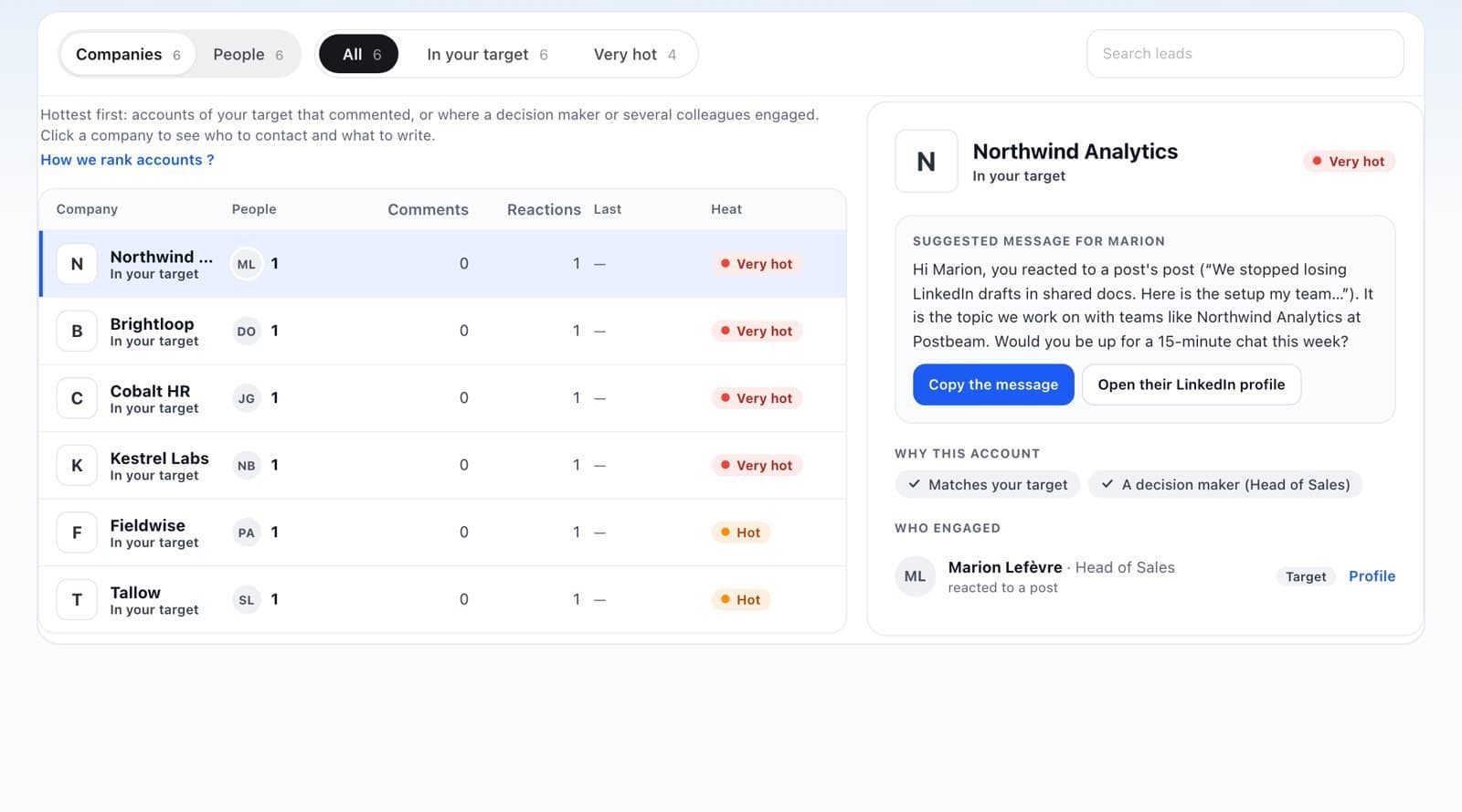
In Results, click Leads. Switch between Companies and People, and filter on In your target or Very hot.
Read the heat
Very hot: in your target, with a comment, a decision maker or several colleagues. Hot: in your target. Warm: close to your target. Off target: engaged, but outside your target.
Act on an account
Click a company to see who engaged and why it matters, then use Copy the message or Open their LinkedIn profile.
FAQ
Why are all my leads “Off target”?
Your target audience is probably empty. Add it in Settings > Audience.