
Buyers ask AI assistants for advice. AI visibility shows which sources those answers cite: LinkedIn, your site, and the Naano creators who come up.
Step by step
Open AI visibility
In Results, click AI visibility.
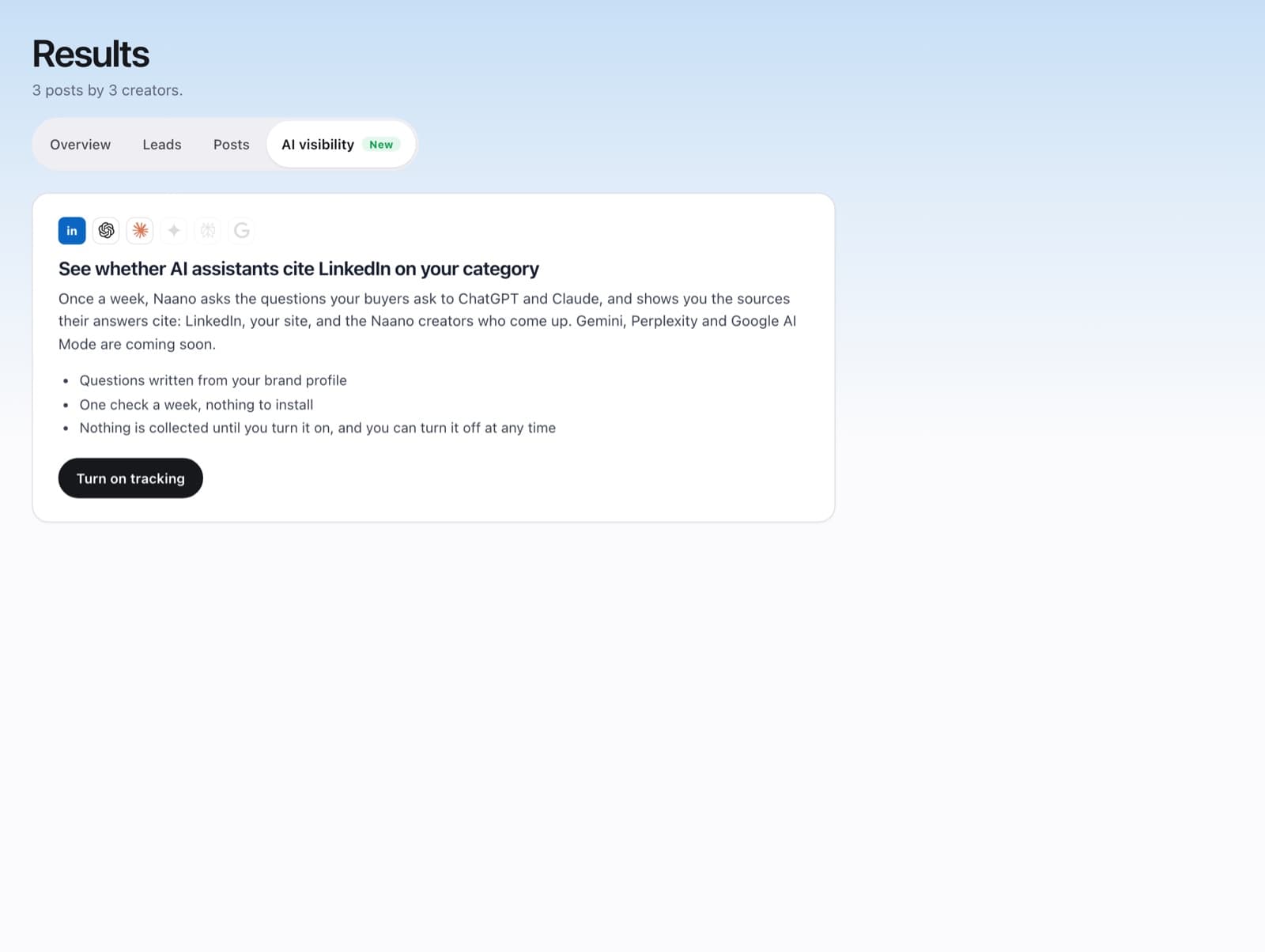
Turn on tracking
Click Turn on tracking. Naano writes the questions from your brand profile and asks them to AI assistants such as ChatGPT and Claude once a week.
Read the sources
Each week, see which sources the answers cite and whether your brand and creators appear.
FAQ
Do I need to install anything?
No. It's one check a week, nothing to install.
Is anything collected before I turn it on?
No. Nothing is collected until you turn it on, and you can turn it off at any time.